

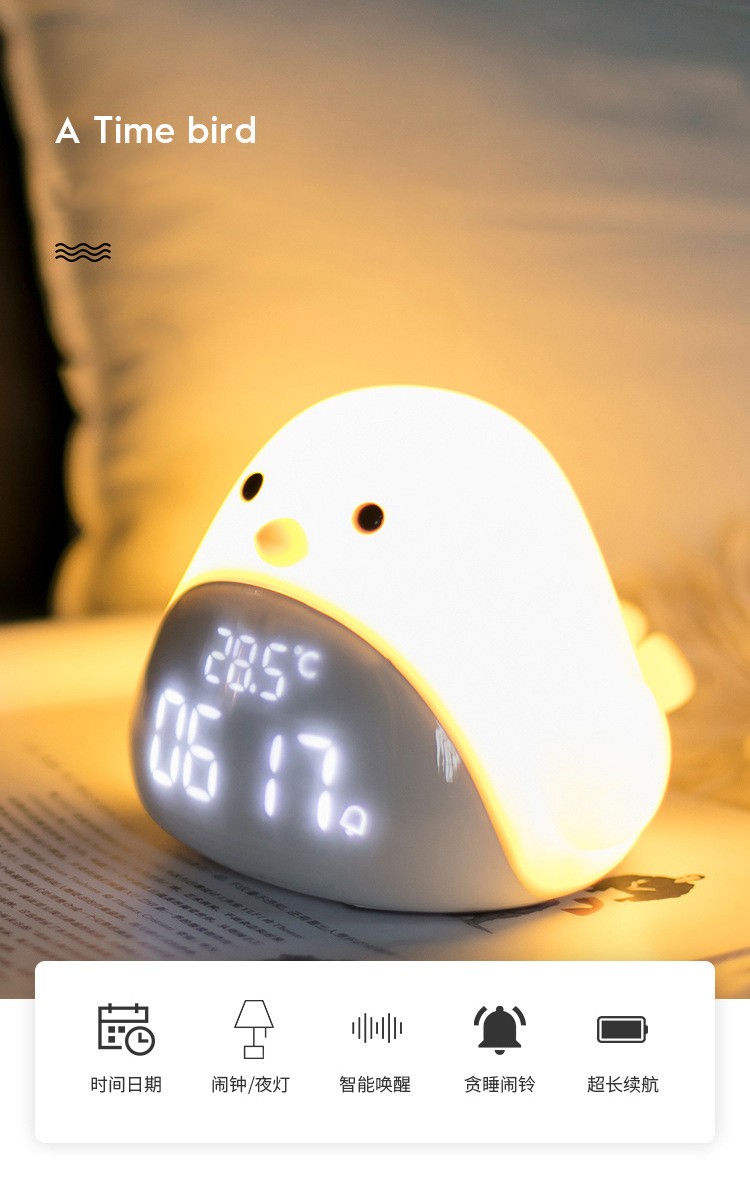
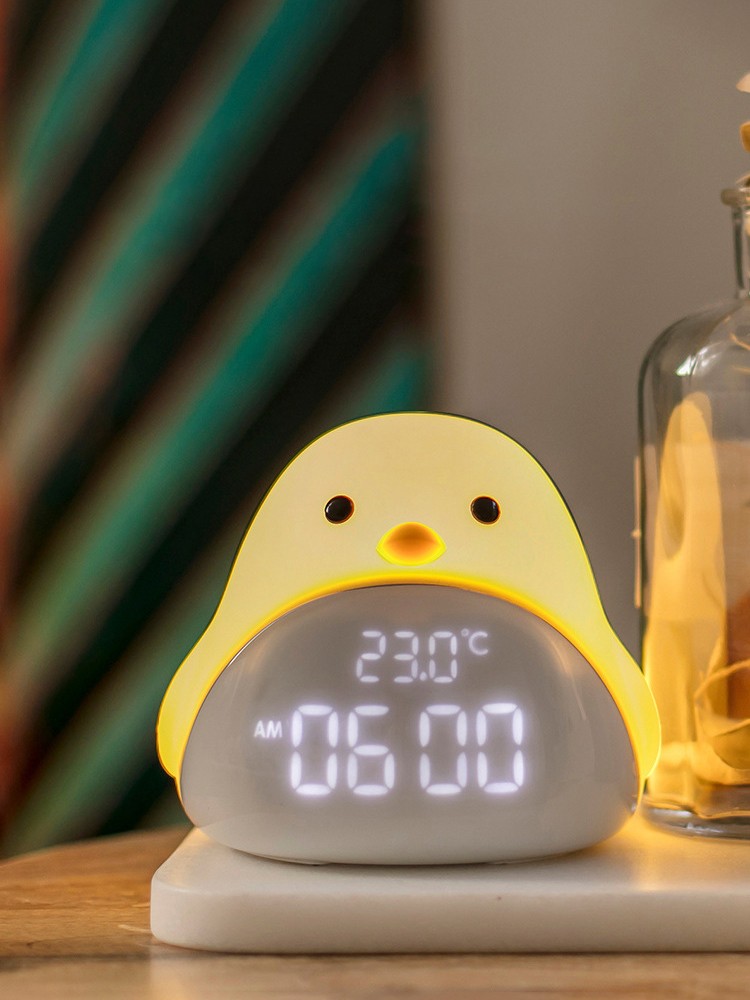
Time Bird Night Light Alarm Clock Cartoon Cute Silicone Touch USB Bedside Lamp LED Night Lamp for Children Baby Kids Gift
Product material: ABS+PC+silica gelProduct standard configuration: alarm clock light × 1+Instructions × 1+SUB cable × oneClock error: ± 18s/monthLight color temperature: 3000K warm lightBattery capacity: 1200mAh/3.7VCharging time: about…
Time Bird Night Light Alarm Clock Cartoon Cute Silicone Touch USB Bedside Lamp LED Night Lamp for Children Baby Kids Gift
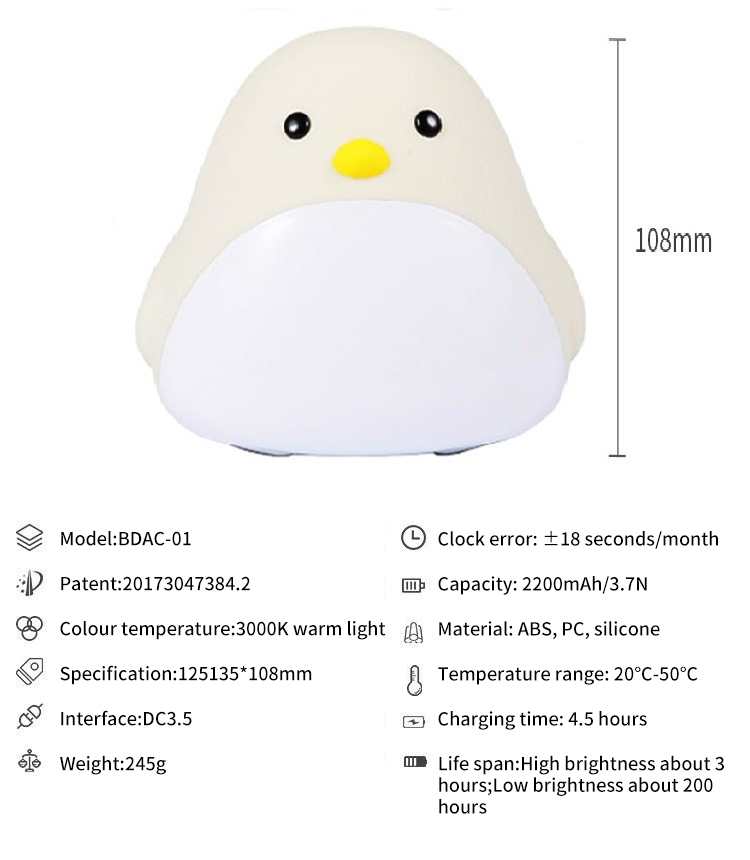
Product material: ABS+PC+silica gel
Product standard configuration: alarm clock light × 1+Instructions × 1+SUB cable × one
Clock error: ± 18s/month
Light color temperature: 3000K warm light
Battery capacity: 1200mAh/3.7V
Key Features
Input voltage: 5V
Interface type: DC3.5
Key Features
Instructions
Night light/snooze switch
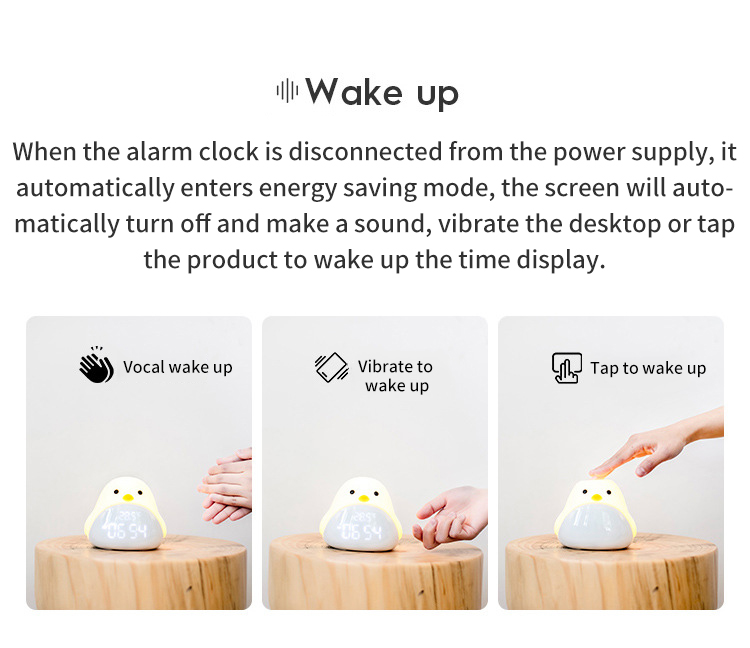
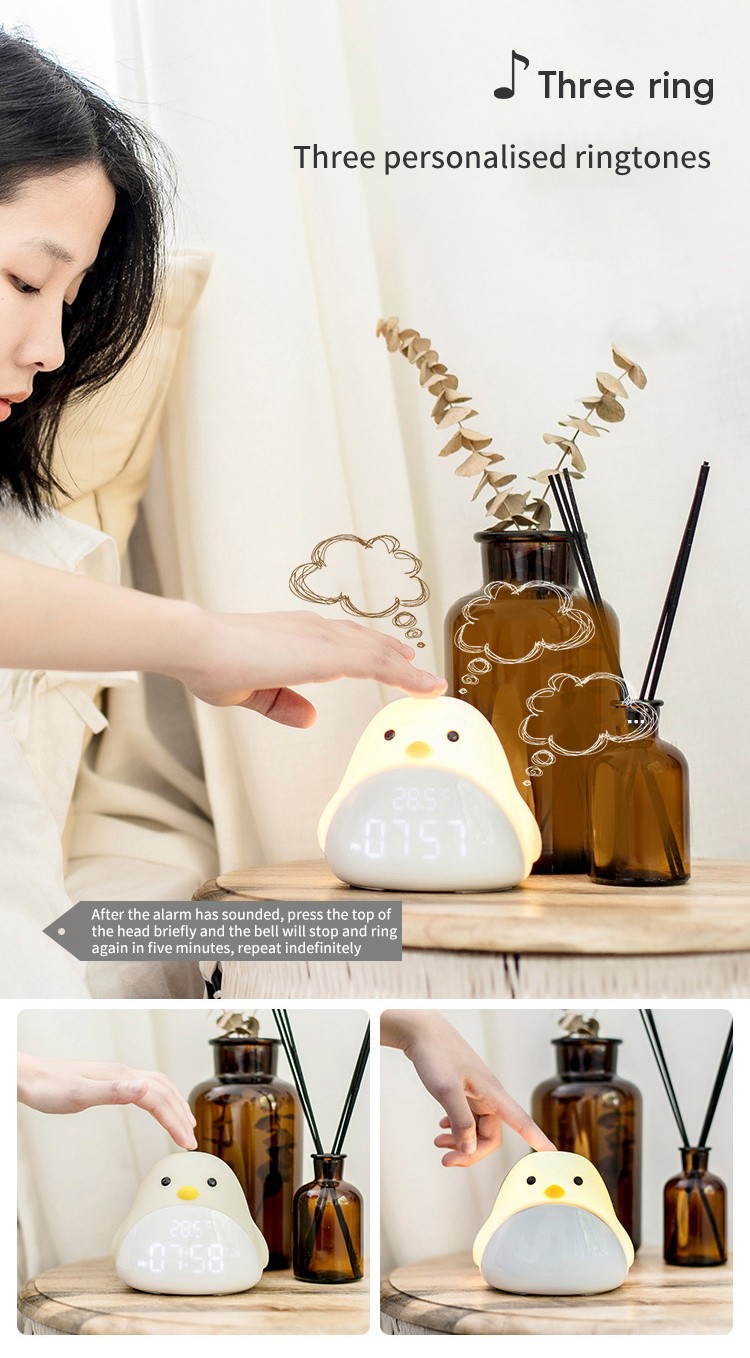
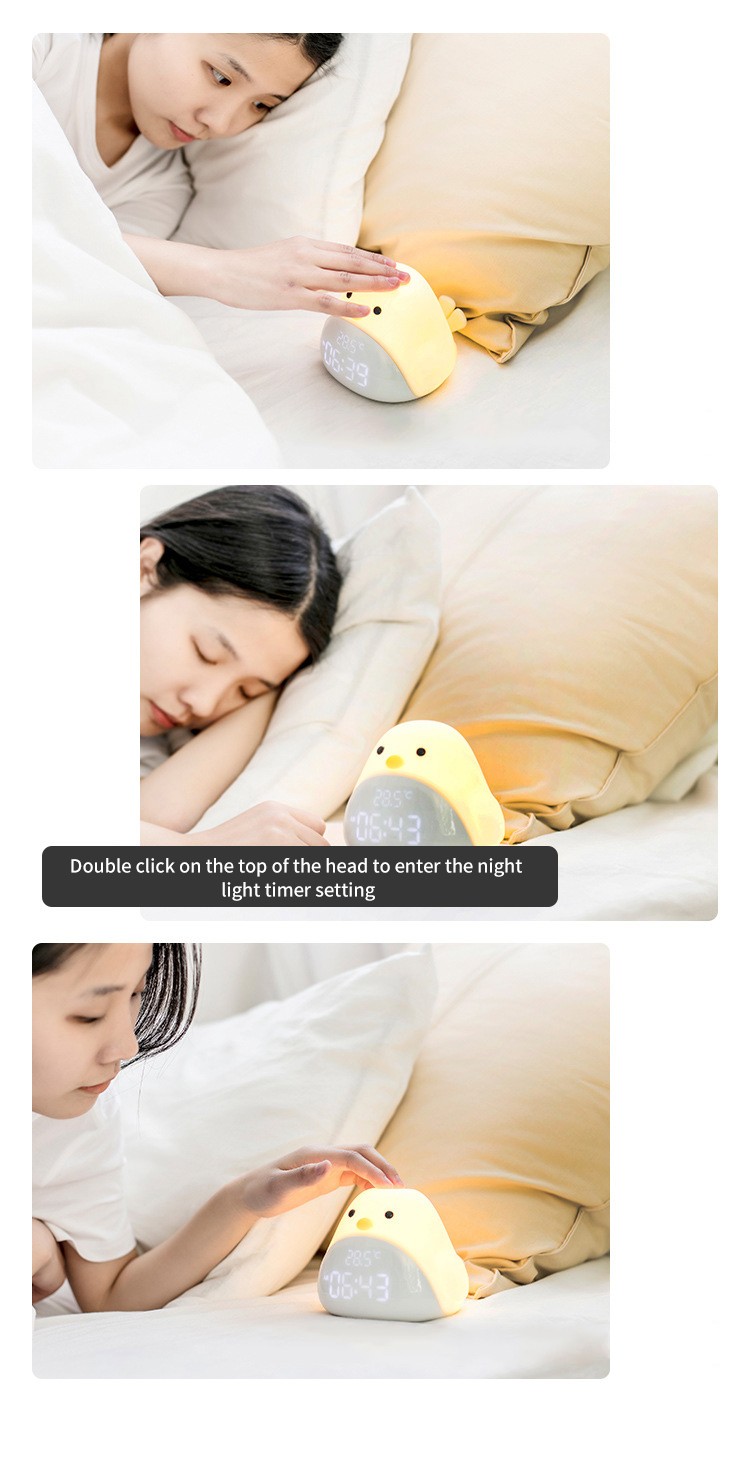
Short press the top of Timebird's head to turn on and off the night light. Double click the top of the head to enter the delayed light off mode. When the alarm rings, briefly press the top of your head to enter the snooze mode.
Delay light off
Double click on the top of Timebird to enter the delayed light off mode. Press [+/-] to select the timing time. The delay range is 5-60 minutes. The time will take effect after 5 seconds are set.
Snooze Mode
After the alarm clock rings, briefly press the top of Timebird's head to enter the snooze mode. After entering the snooze mode, the alarm clock will ring again 5 minutes later, and you can use the snooze mode for an unlimited number of times. Short press [Alarm Setting Key] to turn off the current alarm clock.
Time setting
Long press the [Time Setting Key] for 2 seconds to enter the time setting mode, press [+/-] to switch to the 12/24 hour clock; short press the [Time Setting Key] to set the hour, short press the [Time Setting Key] again to set the minute, and add or subtract the time through [+/-]; Briefly press [Time Setting Key] to enter the year setting, and press [+/-] to add or subtract the year number; Short press the [Time Setting Key] to set the month, short press the setting date again, and [+/-] to add or subtract the month and date; Finally, briefly press the [Time Setting Key] to complete the time setting.
Alarm settings
Long press the [Alarm Setting Key] for 2 seconds to enter the alarm setting mode. First set the hour, then short press to set the minute, and press [+/-] to add or subtract the time; Finally, briefly press [Alarm Setting Key] to complete alarm setting;
Briefly press [Alarm Setting Key] to enter alarm preview mode, press [+/-] to switch between 1-day (single time), 5-day (working day), 6-day (single holiday), 7-day (daily) alarm or turn off the alarm, and briefly press [Alarm Setting Key] again to exit alarm preview mode.




Specifications
You might also like


